

Files and Folders, just like people, need names that can identify them. How many times have you downloaded a file only to find the name is something like 20190411003256770924000000-o.pdf?
Even the most organized person with the best memory would have a hard time tracking down a file by that name.
Make it a habit to name or rename your files with something identifiable. If you are working on a project for your job and you need to save a photo of a building your company manages, try crafting a name like this.
Project Name-Subject of Photo-Date
This might look something like this: ATTproject-MillerBldg-Aug.8
If this seems like too much work, stick with the subject of the image. MillerBldg.jpg
Keep in mind, if you have multiple images of the Miller Building, you’ll need to name each image something unique. You can add a number to the end of the name (MillerBldg2, MillerBldg3, etc.) or add information about why that particular photo was taken (MillerBldgKitchen, MillerBldgElevator, etc.).

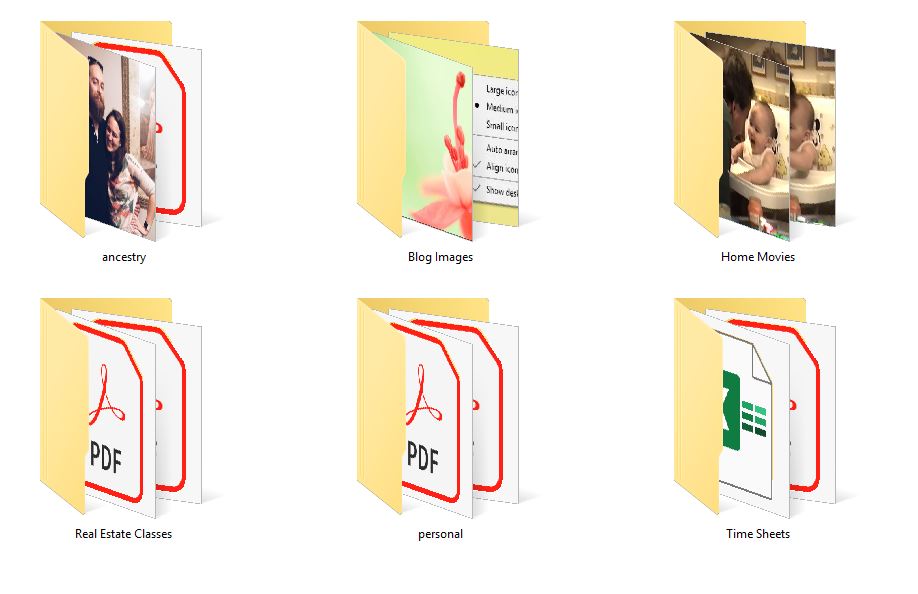
Folders are the same. Don’t leave a folder titled ‘New Folder’ sitting on your desktop. Make sure to give it a name so you can add the relevant files to it as they come.
NOTE: you cannot use the / symbol in your file or folder names.
Rule of Thumb: Name your files and folders something that identifies them. Do this as soon as you load in or download something to your computer.
- Hint: this is especially helpful when doing a search for files in your computer, which I will discuss in a later post.
 Practical Computer Lessons for Everyone