
Our brokerage recently migrated from an outdated email provider to Outlook.com. While the new service has tons of features we didn’t previously have, there is one drawback that gets a lot of attention from my colleagues.
Two-Factor Authentication.
You may have heard of two-factor authentication from places like Facebook or other social media sites, but what does it mean?
The idea is, if a website detects an unusual log in attempt, or you are logging in for the first time on a new device, the site will ask for your password, but also send you a code to a pre-determined contact method. This will ensure that no one has gotten a hold of your password and is attempting to use your account.
Very likely, any two-factor authentication set up will ask for a cell phone number to send you text messages. This is by far the easiest way to verify your identity on these sites. Once you enter your username and password, the site will let you know that they have sent a code via text to your mobile device. Once you type that code in to your website, you’ll have access to your account.
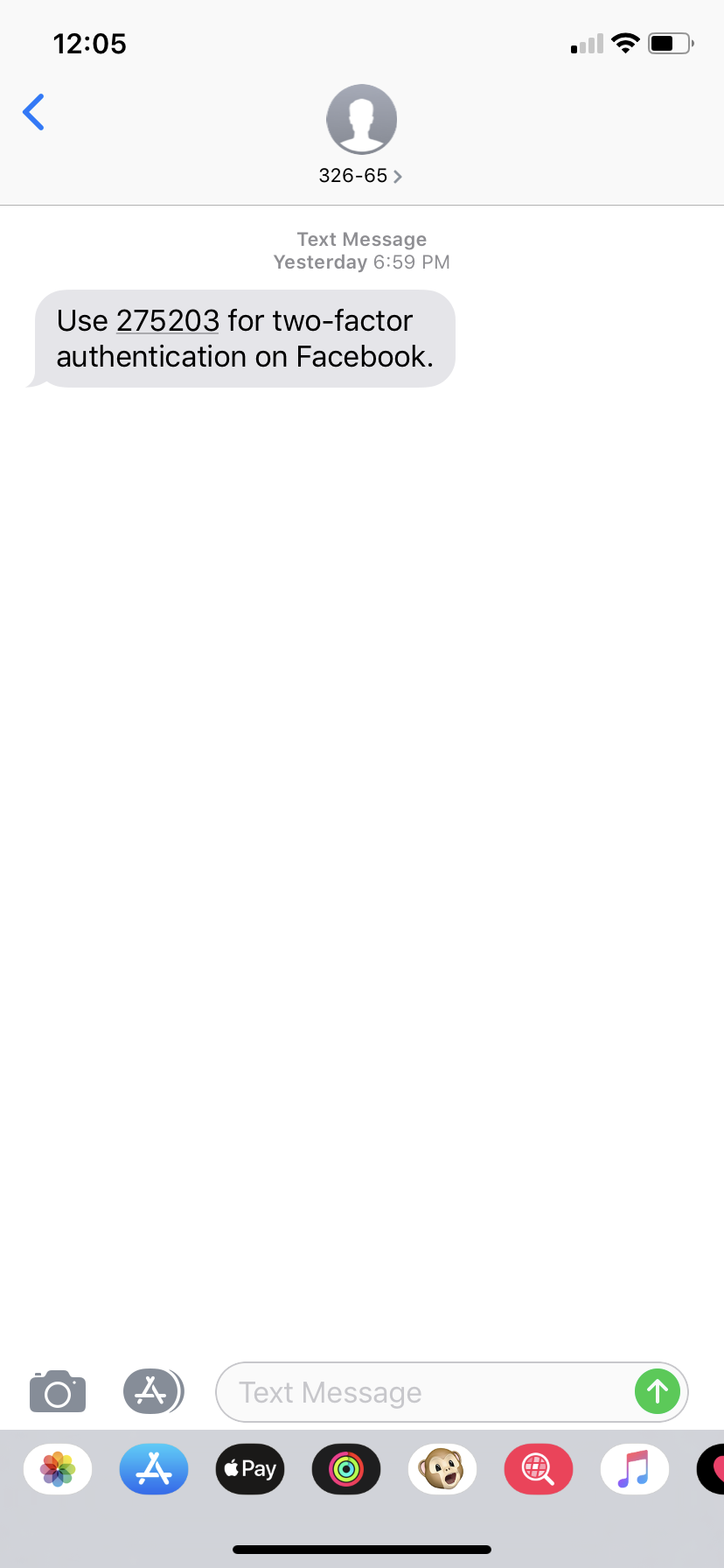
Two-factor authentication is not going anywhere. In fact, it is popping up more and more. So make it a habit to have your cell with you when you are doing work online.
Keep in mind, this is a feature created to protect you, your clients, and your information. It may be annoying to constantly be asked to verify your identity, but think of the alternatives.
Moving forward, assume that all websites will want to either text you or email you a code to verify your identity, and make sure to have your mobile device or email handy.
 Practical Computer Lessons for Everyone